VaM Produce 69 II (VR | XR | Desktop) Season 4

VaM Produce 69 II (VR | XR | Desktop) RC1 MV has been updated to Season 4
[After downloading this version, do not use it alongside older versions to avoid conflicts.]

This scene requires VaM 1.22.0.1 or higher (the clean version is recommended; the integrated version may not load properly). The unzipped file is approximately 30GB in size (including all dependencies). Loading the main scene file can be slow (depending on your PC’s configuration). Place it in the addonpackages folder, then open the VaM_Produce_69 II scene to enter the main interface.
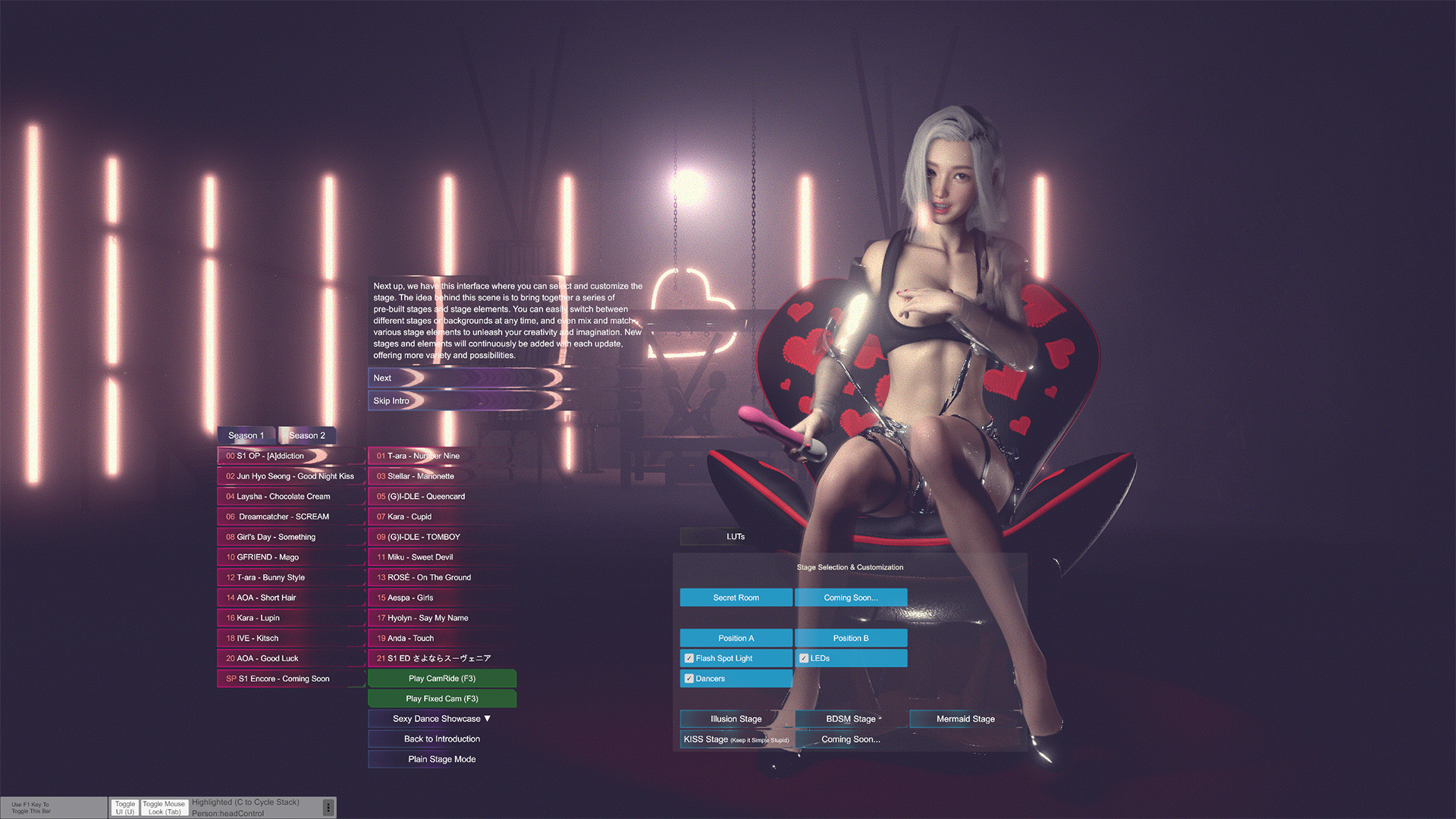
The scene is large, so loading may be slow. First, set the language, click Finish, then click Start Game (skip). The main interface will appear. Click the playlist on the left and press F2 to return to the playlist. If the screen goes black, try pressing F2. Press F5/F6 to play. There are also new playback control buttons below.